

Payment verification (KYC) at a glance
If you want to receive payments from guests via Tapcoat — for example for paid cloakroom plans, Tap to Pay at the counter, or digital online payment before pickup — a one-time identity check is required. Internationally, this process is known as KYC — short for “Know Your Customer“, in other words: verifying who you do business with.
The KYC check is required by law and protects against financial fraud and money laundering. It applies to all companies that process digital payments through third parties — regardless of size or industry.
Tapcoat handles this process fully integrated in the dashboard. You don’t leave the Tapcoat interface, and you have no direct contact with the verification provider.
What gets checked?
Verification checks two things: the identity of the company’s authorized representative and the company details themselves. Prepare the following documents before you start the process:
- Valid ID card or passport of the authorized representative
- Commercial register extract for the company (recommended: no older than 3 months)
- If applicable, proof of business address if it differs from the registered address
How does the process work?
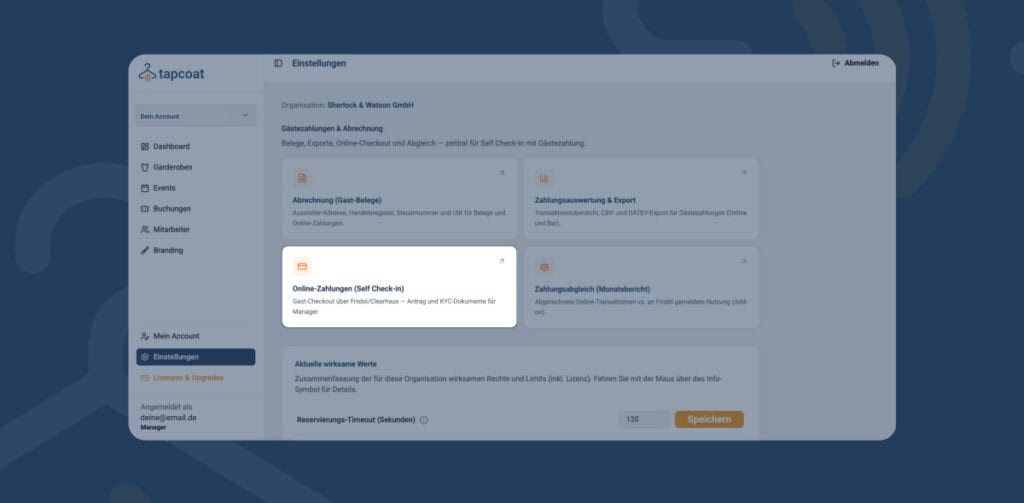
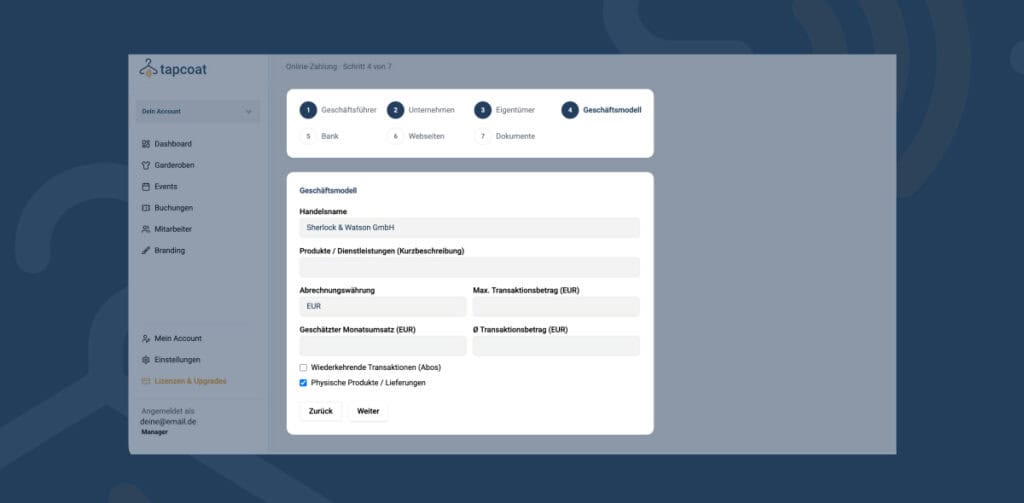
In the Tapcoat dashboard settings, under “Online payments (Self Check-in)“, you’ll find a form for the KYC application. The process is roughly divided into three phases:
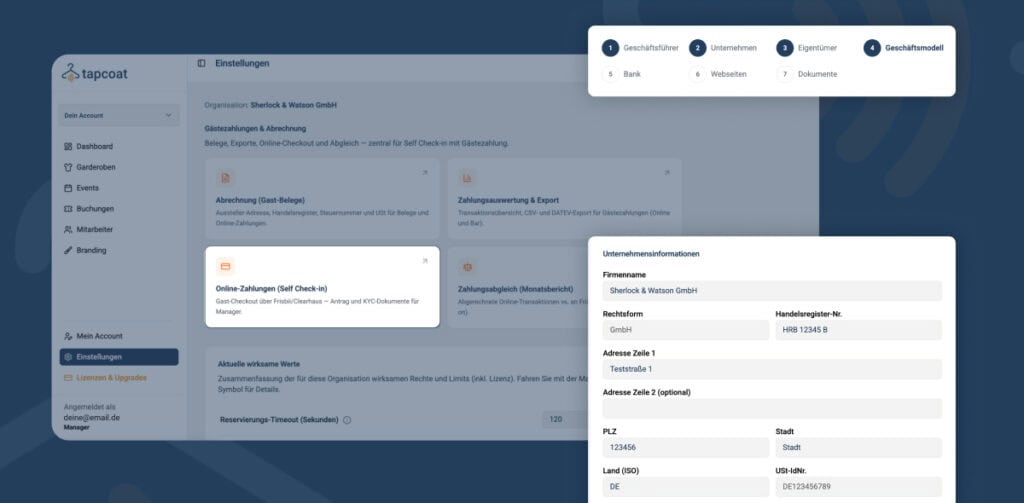
- Enter company details — company name, legal form, address, tax number, and other basic details.
- Upload or scan documents — You upload the required documents directly in the interface. ID documents usually require a camera, either on the device or via smartphone upload.
- Identity check of the authorized representative — The check is done digitally. Make sure you have a stable internet connection and good lighting. Keep your ID at hand.
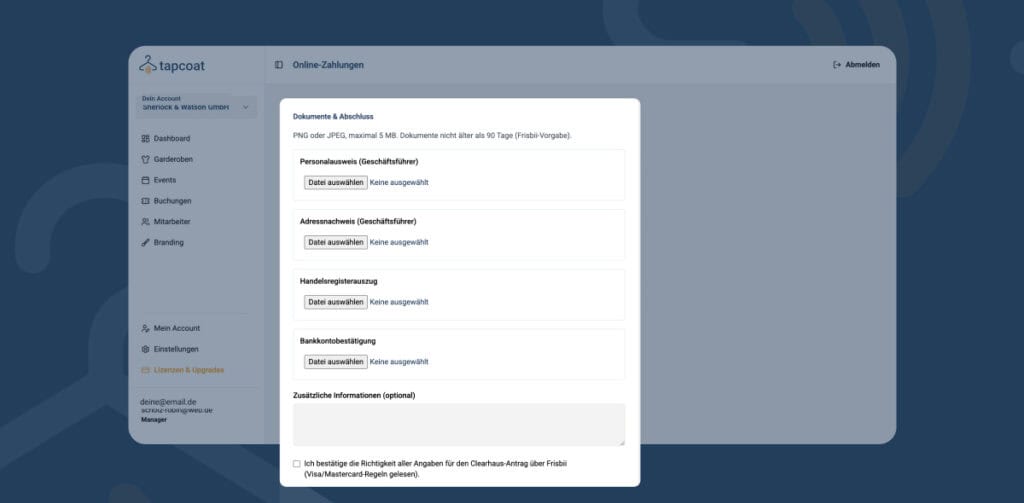
Once all documents are submitted, the review starts automatically. You don’t need to do anything else. You’ll receive an email notification as soon as your account is enabled to receive payments.
How long does activation take?
Activation usually takes 7 to 14 business days. In some cases, it can be faster — especially if all documents are complete and correct the first time you submit them.
Important note: KYC verification only affects receiving guest payments. All other Tapcoat features — check-in, cloakroom management, dashboard, staff management, reporting — are independent of it and available immediately after you create your account.
What happens if verification is rejected?
If your verification is unsuccessful, you’ll receive an email with the exact reason for rejection and instructions on which documents need to be resubmitted or corrected. You can then start the process again. If you have questions about your verification status, contact support@tapcoat.com.