

At events, things happen that aren’t always part of the plan. This overview shows how staff handle the most common exceptions with Tapcoat — calmly, clearly, and without improvising.
Guest drops off several items of different types
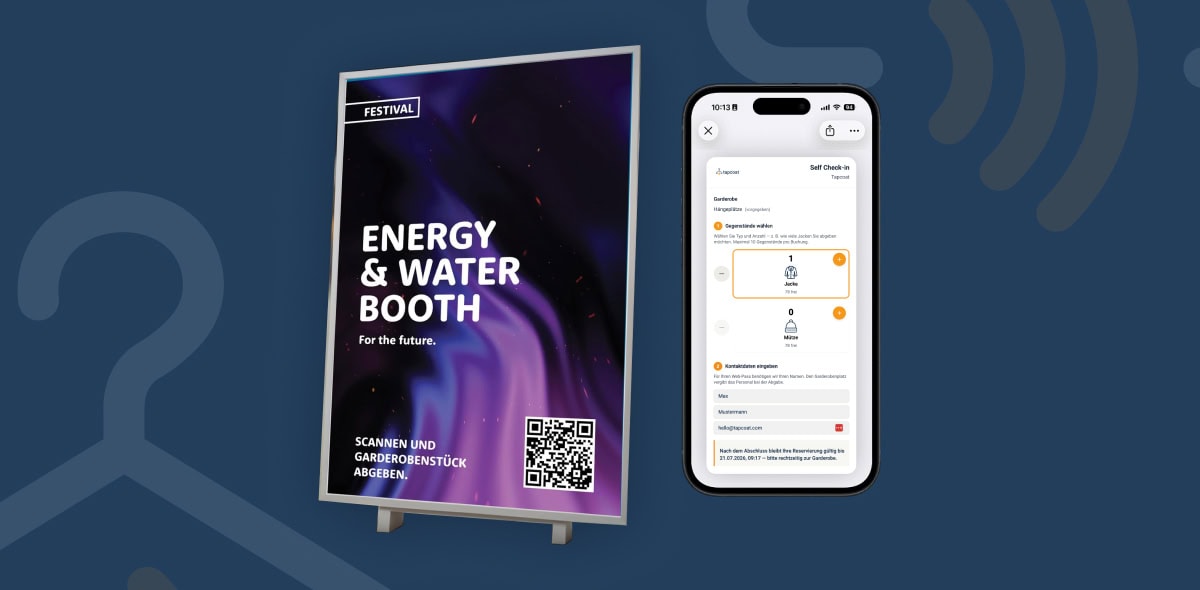
This is the normal case and fully supported. In step 3 of the check-in process, staff enter the quantities for each item type — for example 1 jacket and 1 suitcase. All items end up under the same hanger location number on a single pass. At pickup, all associated items are shown together.
Guest’s smartphone battery is dead
Guests can store their contact details on the Tapcoat landing page in advance while their phone still has power. Recommendation for all guests: use this option before the battery runs out — then pickup is easy even without a phone.
For pickup without a working phone:
- Staff search the app for the guest’s contact details.
- The guest shows a photo ID for identification.
- Staff confirm the checkout.
Guest didn’t save their pass
If the guest didn’t save the wallet pass in their wallet app, they can open the Tapcoat landing page in their browser instead. They received the URL at check-in — either as a scan result or as a direct redirect. The QR code is also visible on the landing page and can be scanned by staff.
Guest wants to add another item later
If a guest wants to drop off another item after check-in — for example a bag they initially wanted to keep — staff carry out a new check-in. This creates a separate pass with a new hanger location number for the second item. The two passes are independent of each other.
Cancellation: the guest decides not to drop off the item
If a guest wants their item back right after check-in — before they have left the cloakroom — staff immediately check out the transaction that was just created. This frees up the hanger location again and invalidates the pass.
Capacity reached
When the cloakroom is full, the app automatically shows a warning — provided the capacity warning has been configured in the cloakroom settings. In this case, staff inform event management or redirect guests to an overflow cloakroom. Tapcoat accepts no further check-ins once all hanger locations are taken.
Recommendation: Decide internally before the event what staff should do in specific exceptional cases — for example: Who is notified when the cloakroom is full? What applies to guests without a pass? Clear procedures help staff act confidently and quickly, even in stressful situations.