

Invite staff members quickly and easily
Every person who works with Tapcoat gets their own personal account. There are no shared logins and no shared passwords. This ensures you can always trace who performed which actions in the app or dashboard, and when — important for quality assurance, troubleshooting, and internal accountability.
New staff members can only be invited from the Admin account or a Manager account. Cloakroom staff (Users) can’t invite new people.
Where to invite staff members
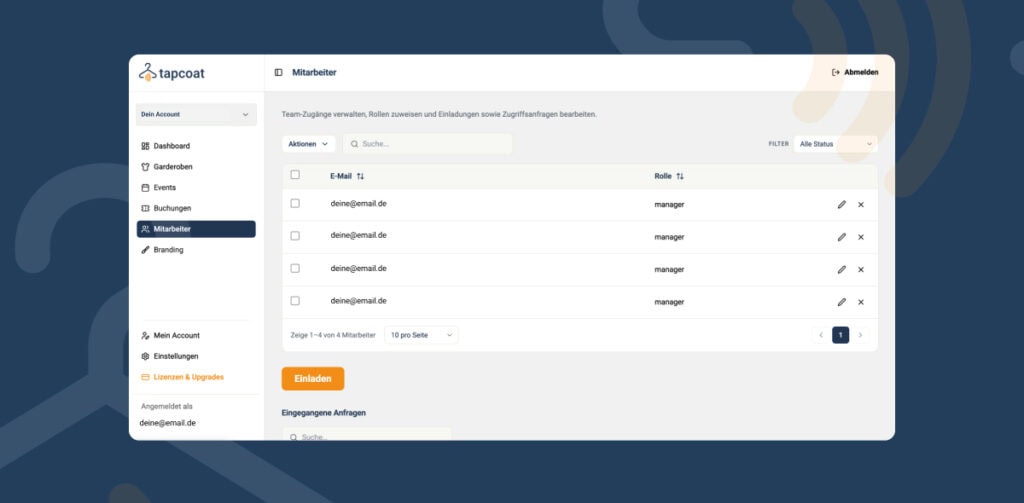
In the dashboard, you’ll find the “Staff” section in the left-hand menu. There you can see everyone who currently has access to your account, their assigned role, and their status (active / invited / pending).
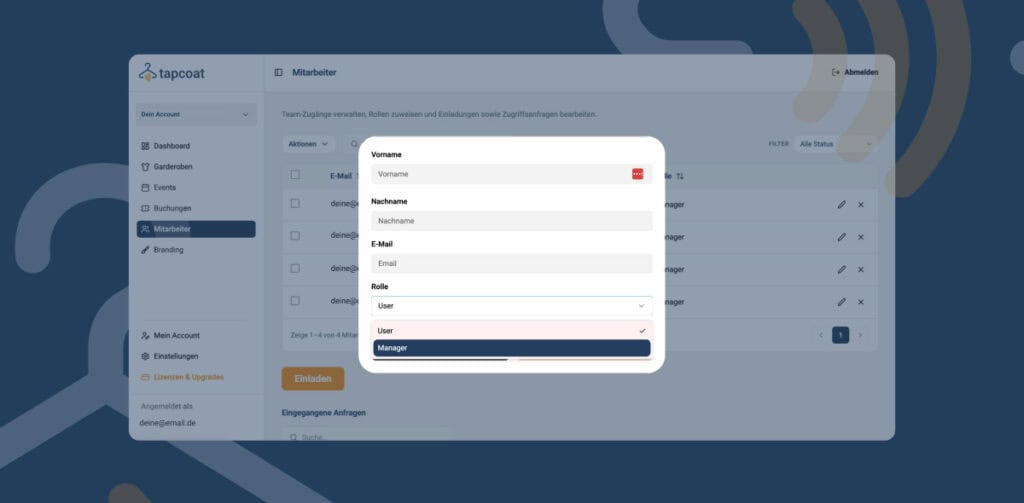
The invitation process step by step
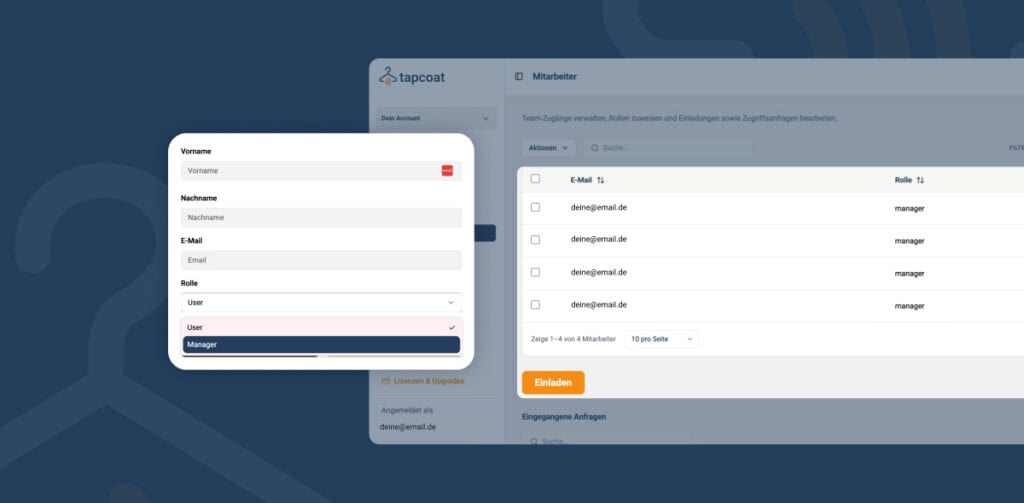
- In the “Staff” section, click “Invite“.
- Enter the person’s email address.
- Select the role: Manager or User. You’ll find details on the roles in the article “Roles and permissions“.
- Click “Send invitation“.
- The person receives an invitation email with a personal activation link.
- The person clicks the link, sets their own password, and their account is active immediately.
- They download the Tapcoat app — available for iPhone and iPad in the Apple App Store and for Android devices in the Google Play Store.
- When they first launch the app, they go through a short digital onboarding — guided, easy to follow, no external documentation needed.
- After that, they only see the events in the app that they’ve been given access to. If there’s only one active event, they land directly on it, with no further navigation.
Tip: If you assign staff members to events before they’ve activated their account, they’ll see the event right at their first login. You don’t have to wait until the invitation has been accepted.
Requirements for your staff’s devices
Staff need their own smartphone or tablet. Tapcoat doesn’t provide any hardware. The following devices are supported:
- All current iPhones with iOS 15 or later
- All current iPads with iPadOS 15 or later
- All current Android smartphones and tablets with Android 10 or later
A stable internet connection is required for operation. Tapcoat also works on weak Wi-Fi or mobile data — even with very low bandwidth. You’ll find details in the article “Network and internet connection“.
Removing staff members
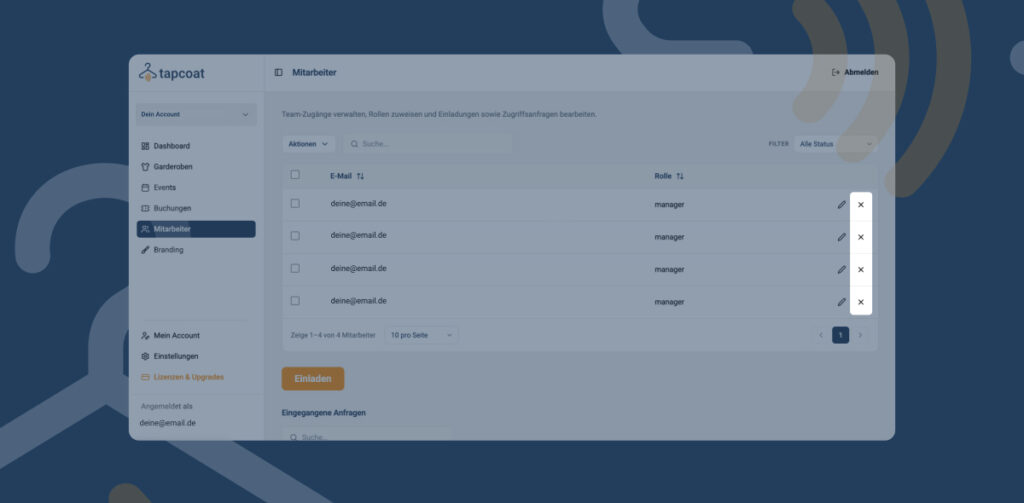
If a person leaves the company or should no longer have access, you can deactivate their account in the “Staff” section at any time. The person loses access immediately — to both the app and the dashboard.