01 Rollout and operations
For preparation and the event day: guides, checklists and a template to fill in.
Includes
- Quick start guide
- Handbook for the cloakroom team
- Event day checklist
- Troubleshooting card
- Event briefing template (PDF and Word)
With your consent, we measure how our site is used, show relevant ads (including on other sites) and display external content such as our booking calendar. Data is sent to the providers, partly to the USA. Without your consent, none of this happens. You can withdraw or change your choice at any time via ‘Cookie settings’ in the footer.
Choose which services we may use. Without your consent, we don’t load them.
Keeps the site working and remembers your choice. No tracking.
Providers: tapcoat (this site): stores your choice
Shows us in aggregate which pages get read and where people get stuck.
Measures how our ads perform and shows relevant ads, including on other sites.
Shows content from other providers right here, e.g. our booking calendar. Data such as your IP address is sent to the provider.

Downloads
Templates and guides for rolling out tapcoat®, for your cloakroom team and for communicating with your guests. Plus logos and brand guidelines for your co-branding.
All three packages in one file: rollout and operations, guest communication, brand and co-branding.
Packages
Each package contains the files for one task. Download only what you need right now.
For preparation and the event day: guides, checklists and a template to fill in.
Includes
So your guests know how the cloakroom works: print templates with space for your QR code, copy and graphics.
Includes
For your event page, venue website and the press: logos, badge and the rules for using them.
Includes
Single files
Straight as a PDF, no ZIP archive.
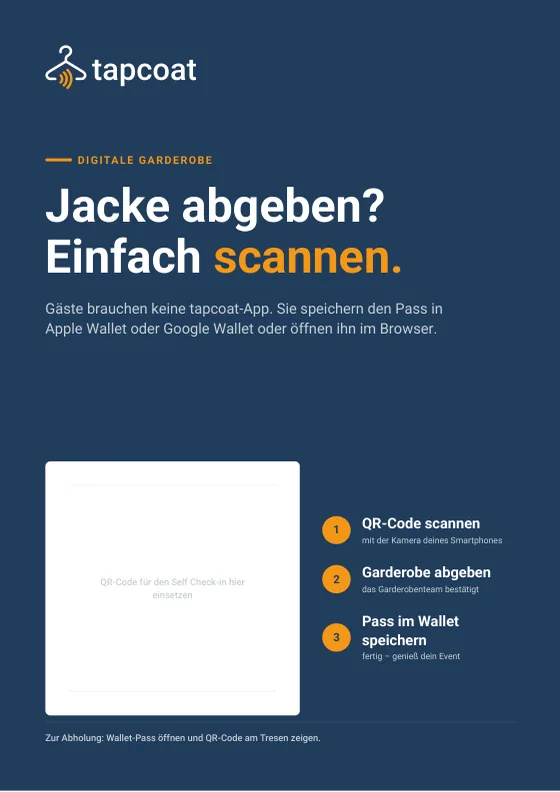
Shows your guests how check-in works in three steps. With a space for your Self Check-in QR code.
Preparation, check-in, pickup, special cases and closing, plus a cheat sheet for new team members.
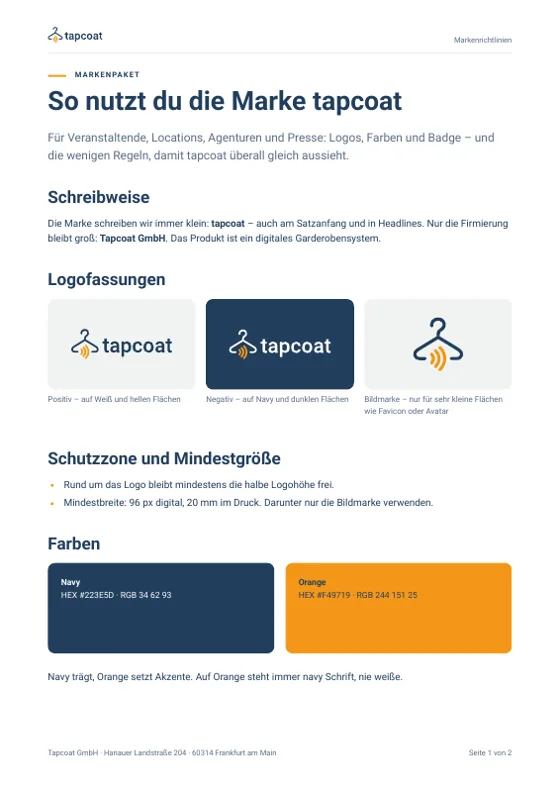
Spelling, logo versions, clear space, colors and badge: how to use tapcoat® on your own pages.
The Support Center answers your setup questions. Go to the Support Center
Sign up for free, create an event in the dashboard, invite your team, scan the first code.