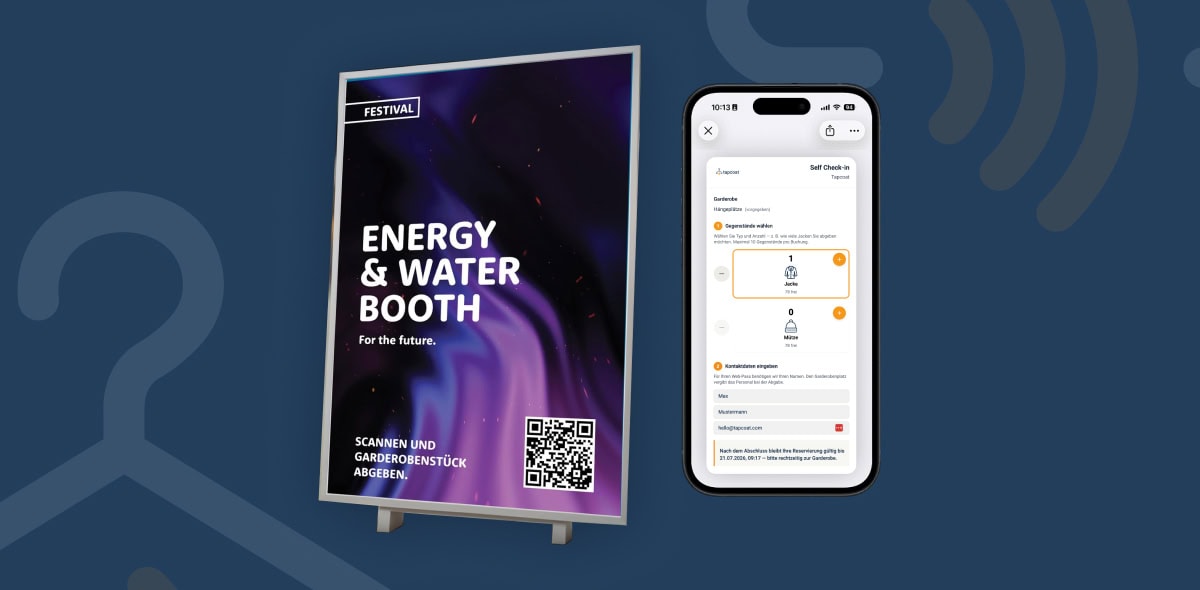


Accepting a cloakroom item (check-in)
Check-in is the most common task at the cloakroom. It is deliberately reduced to a few steps so that staff can work smoothly even when guest traffic is heavy. In practice, a complete check-in takes just a few seconds.
Step-by-step process
- Open the app and select the active event and the cloakroom. If there is only one active event, this happens automatically.
- Tap “Check-in”.
- Enter the number of items being dropped off — for example 1 jacket. If “Default selection” is configured, this value is already prefilled.
- Tap “Confirm”.
- The app now shows a QR code on the screen. The guest scans this code with their smartphone. Alternatively, staff scan the guest’s external QR code — for example from the event ticket — if this method was chosen for the event.
- After the scan, the assigned hanger location number appears in large type on the screen — for example “03A”. Staff hang the jacket on the corresponding hook.
- At the same time, the guest automatically receives a digital cloakroom pass in their wallet app. The hanger location number is also visible on the pass.
No extra app needed: Guests don’t need an app of their own. The wallet pass is saved automatically in Apple Wallet or Google Wallet — both come preinstalled on virtually all modern smartphones.
Dropping off several items at once
A guest can drop off several items of different types at once — for example 1 jacket and 1 suitcase. Staff enter both quantities in step 3. All items are assigned to the same hanger location and appear together on a single cloakroom pass.
External QR code: guests do nothing
If the event was configured with external tickets or QR codes — for example Eventim tickets or trade show badges — staff scan the code on the guest’s ticket or badge directly. The guest doesn’t need to take out their phone or do anything themselves. This is the fastest of all check-in methods.
NFC check-in
With NFC check-in, staff briefly hold the smartphone to the guest’s NFC chip — for example on their lanyard, name badge, or entry wristband. Identification takes a fraction of a second, without the guest having to do anything.
Note: Which check-in method is used — internal QR code, external QR code, or NFC — is set by the Manager when creating the event. Staff cannot change this setting on site.